Brand kit copilot
A ten-section brand kit is a lot of blank fields. The copilot fills them in with you, by conversation.
Available on Premium and above.
Starting it
Open a brand kit and pick Copilot at the top of the editor. A panel opens beside the kit.
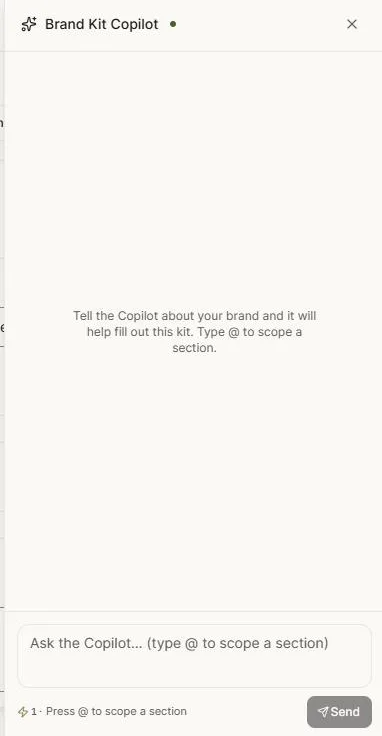
Tell it about the brand in whatever form you have it — a paragraph, a scatter of notes, a website you'd describe out loud:
Ember is small-batch coffee, roasted and shipped within the week. Warm, unfussy, for people who care how the morning starts. Think kraft paper and matte black, not neon.
It asks what it needs and proposes values as it goes.
Watching it work
The copilot edits the kit in front of you. When it fills a section, that part of the editor updates and the field pulses so you can see what changed. You're never guessing which of ten sections just moved.
It works section by section rather than dumping everything at once, so you can steer.
Proposals and approval
For substantial changes the copilot proposes a plan first — here's what I intend to set, across these sections — and waits for you.
You can accept it, or reply with corrections and have it revise. Nothing is written into the kit without you agreeing to it.
While it's applying changes the editor locks briefly, so you and the copilot can't write over each other.
Pointing at one section
You can direct it at one part of the kit rather than the whole thing. Type @ to scope the request to a section, then say what you want:
@Colors the palette is too cold, warm the secondary up @Voice less playful, more assured @Basics the positioning statement is too long
Scoping keeps the copilot from wandering into sections you're happy with.
What it's good at
Colour palettes. Give it a direction and it produces a coherent set with proper shade ranges, rather than three colours that clash under scrutiny.
Voice. Turning "friendly but not childish" into concrete vocabulary and tone settings the AI can actually apply.
Positioning. Sharpening a rambling description into one sentence.
Consistency. Noticing that your imagery notes contradict your identity, and asking about it.
What to keep for yourself
Logos and licensed fonts are files, and you upload those. The copilot can tell you which variants you're missing, but it can't invent your logo.
Reviewing afterwards
The copilot gets you to a complete kit fast; it doesn't get you to a correct one on its own. Read through the sections before you rely on it, particularly Agent, whose standing instructions shape everything the AI makes for the brand from then on.
Next: Importing brand guidelines.